To access 3DiscClinic™ Settings:
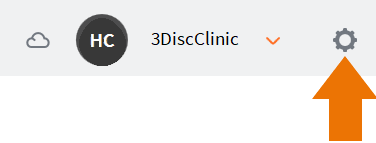
- Click the Settings icon ⚙️ in the top right-hand corner of the 3DiscClinic™ Home Page.
This will open the Settings page.
Settings Groups are displayed in the left-hand Settings menu.
![3DISC_Logo_RGB_tiny.png]](https://help.3disc.com/hs-fs/hubfs/3DISC_Logo_RGB_tiny.png?height=50&name=3DISC_Logo_RGB_tiny.png)
To access 3DiscClinic™ Settings:
This will open the Settings page.
Settings Groups are displayed in the left-hand Settings menu.