![3DISC_Logo_RGB_tiny.png]](https://help.3disc.com/hs-fs/hubfs/3DISC_Logo_RGB_tiny.png?height=50&name=3DISC_Logo_RGB_tiny.png)
How to find the Case Review Tools
You can find the case review tools in two different places:
-
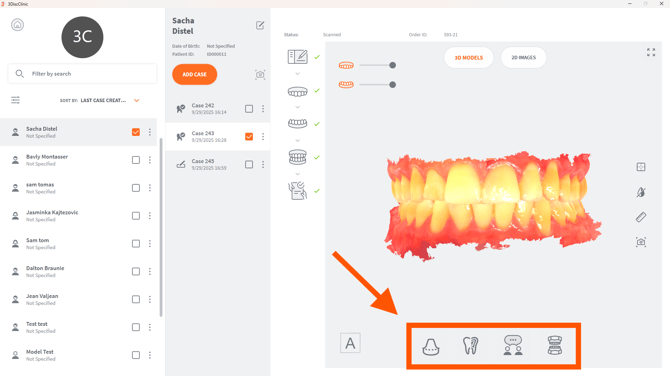
When you open a patient and select a case, the case review tools are displayed directly below the 3D scan, as shown in the image below.
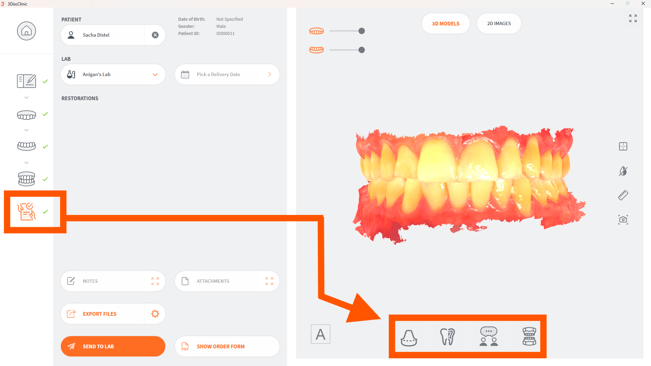
2. After completing a scan, in the Review case step, the case review tools are again available below the 3D scan, as shown in the image below.