![3DISC_Logo_RGB_tiny.png]](https://help.3disc.com/hs-fs/hubfs/3DISC_Logo_RGB_tiny.png?height=50&name=3DISC_Logo_RGB_tiny.png)
3DiscClinic™ Live Scan Tools
During the 3DiscClinic™ Scan Workflow, Live Scan Tools are displayed below the digital 3D Model.
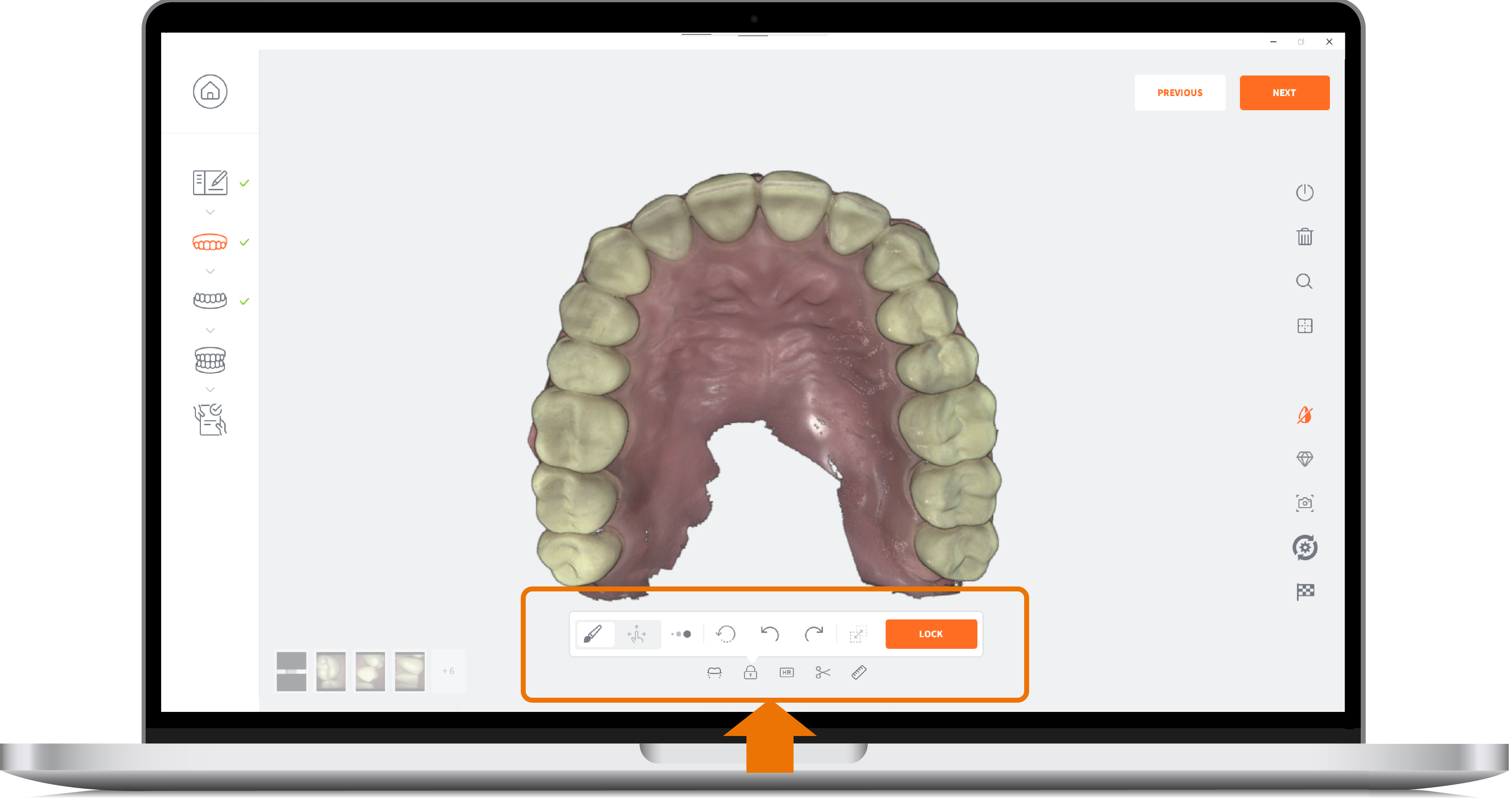
| Icon | Live Scan Tool | Description |
|---|---|---|
 |
Measurement Tool | Tool enabling you to take measurements on the 3D digital model. |
 |
Trim Tool | Tool enabling you to delete mesh data as required. |
 |
Region Lock | Tool to support the locking of a region while scanning to avoid any further updates of that region. |
 |
High Resolution Lock | Tool to support the locking of a region scanned in High Resolution to avoid any further updates of that region. |
 |
Undercuts Tool | The Undercuts Tool enables you to detect and calculate undercuts: User View: enables user to choose the insertion axis that will be used to calculate undercuts on the dental arch Auto Detect: determines the optimal insertion axis and displays the undercuts. Undercut areas of the scan model are indicated using a color-coded gradient. |