![3DISC_Logo_RGB_tiny.png]](https://help.3disc.com/hs-fs/hubfs/3DISC_Logo_RGB_tiny.png?height=50&name=3DISC_Logo_RGB_tiny.png)
Welcome to Your New OVO3 Intraoral Scanner!
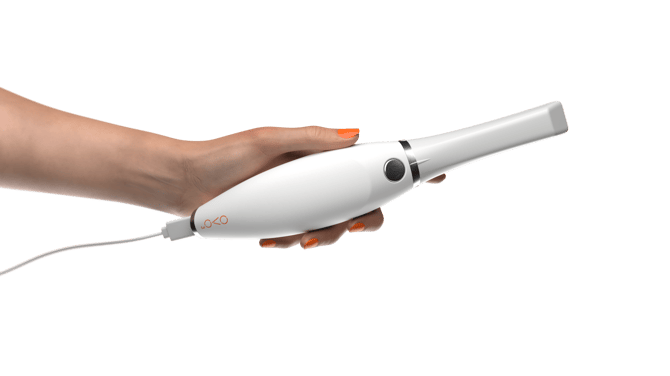
Congratulations on receiving your OVO3 intraoral scanner!
What’s in the Box?
Inside the packaging, you’ll find the following items:
-
OVO3 Intraoral Scanner (with one scanning tip pre-attached)
-
2 additional scanning tips
-
Proprietary USB-C to USB-C cable
-
OVO3 Cradle
-
Quickstart Guide (found in the “Welcome” envelope)
-
General information about Scan&Tell (also in the “Welcome” envelope)

How to connect your scanner to your Computer?
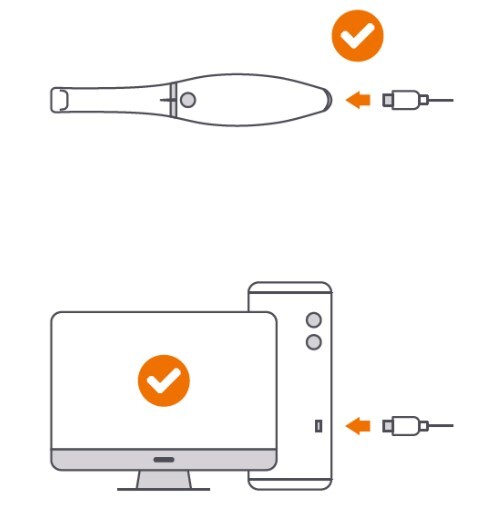
- 1 – Connect one end of the USB-C cord to your OVO³.
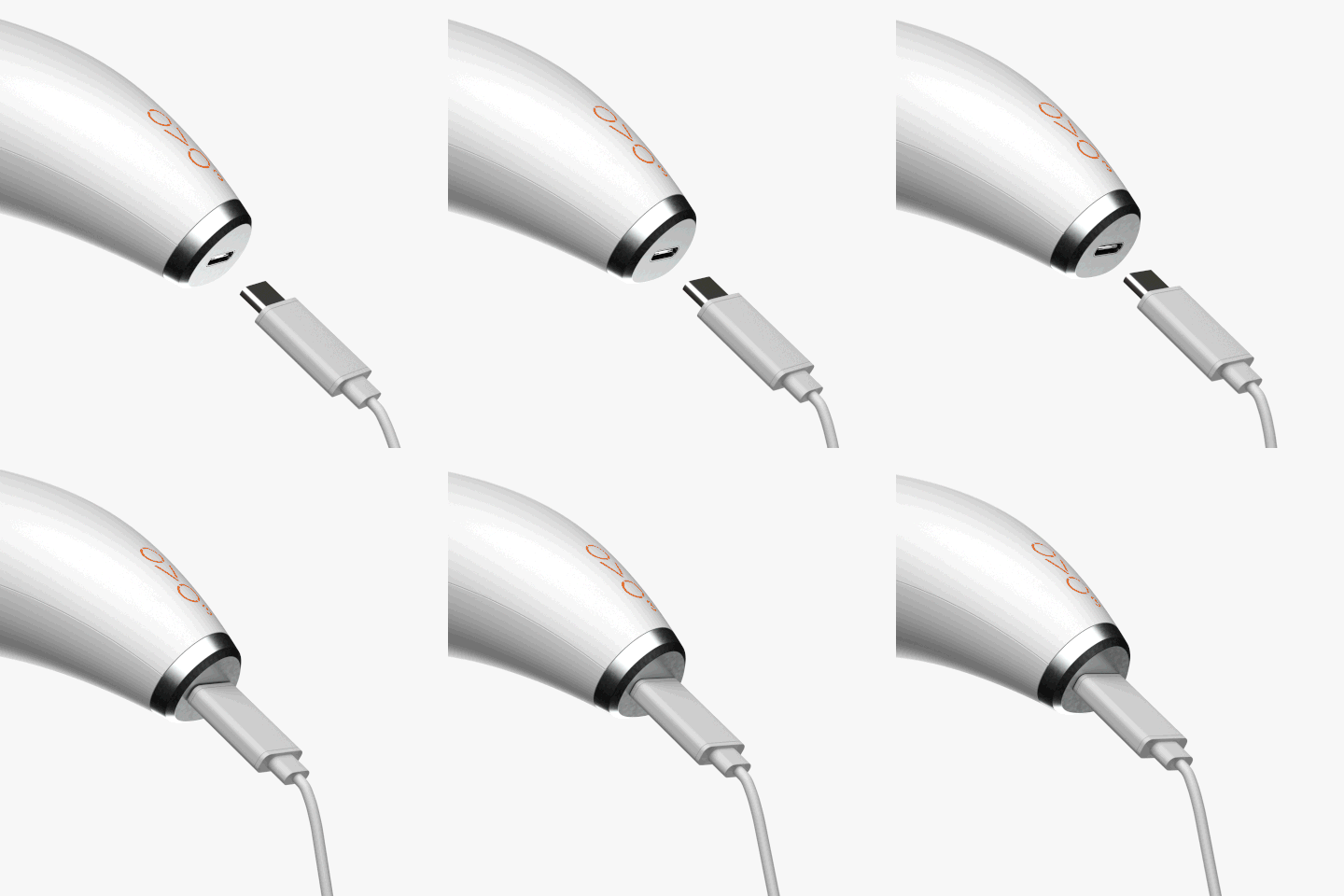
- 2 – Connect the other end of the USB-C cord to your computer. For desktop computers, use a rear USB port whenever possible.
Before You Begin:
Before connecting your OVO3 scanner, please take a moment to review the Quickstart Guide to ensure proper setup and usage.
Let’s get you scanning—fast, simple, and seamless.