![3DISC_Logo_RGB_tiny.png]](https://help.3disc.com/hs-fs/hubfs/3DISC_Logo_RGB_tiny.png?height=50&name=3DISC_Logo_RGB_tiny.png)
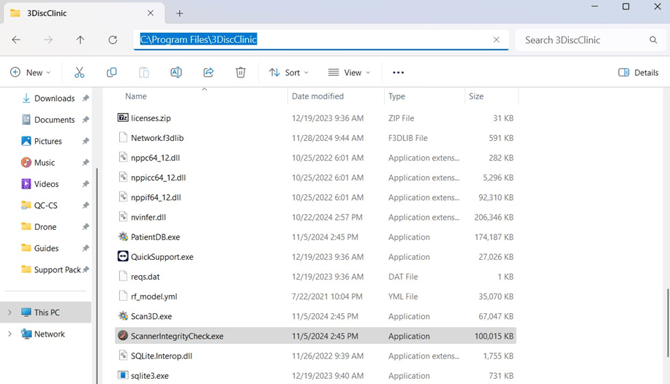
Using Windows Explorer navigate to C:\Program Files\3DiscClinic\ScannerIntegrityCheck.exe
Double clic on the ScannerIntegrityCheck.exe to launch the application (Be sure 3DiscClinic is closed)
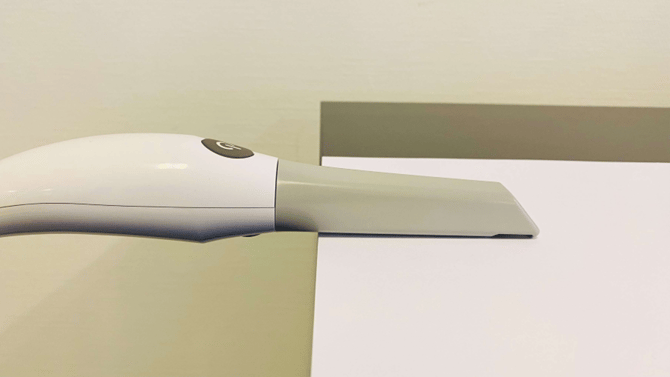
(Important: always use a matt and not a glossy paper)!
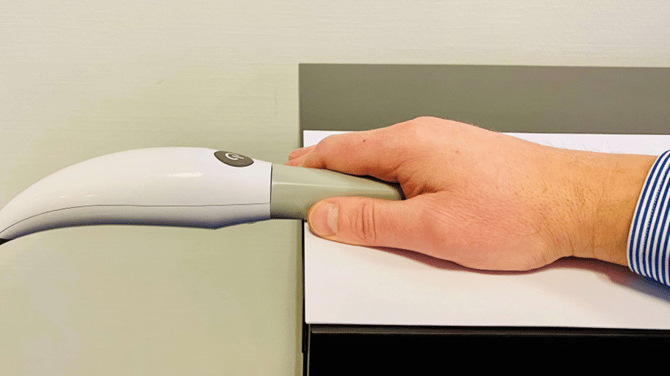
For the best results you can cover the nozzle with the palm of your hand and hold it steady.
3. Press the Power button on your scanner and then the "Check Integrity" button on the on the software.
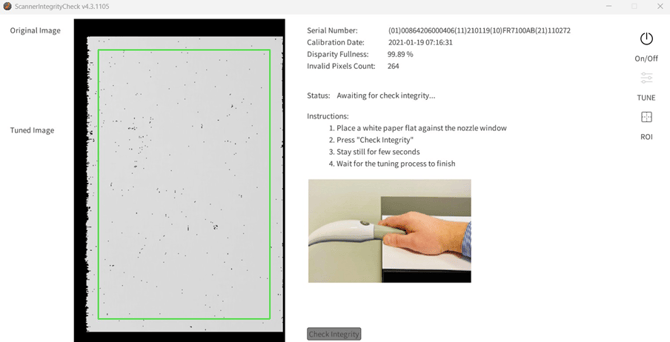
4. The Checking process will start and it will take approximately 30 seconds to finish.
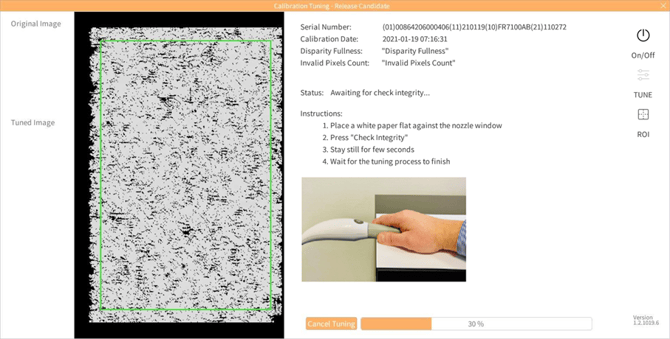
5. Checking results will appear once the process is
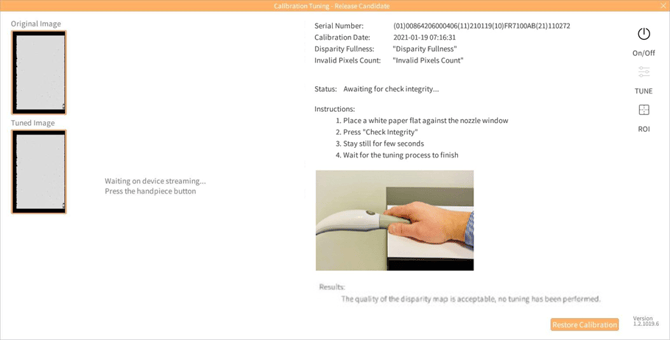
Now you can close the Integrity Tool utility and launch 3DiscClinic.