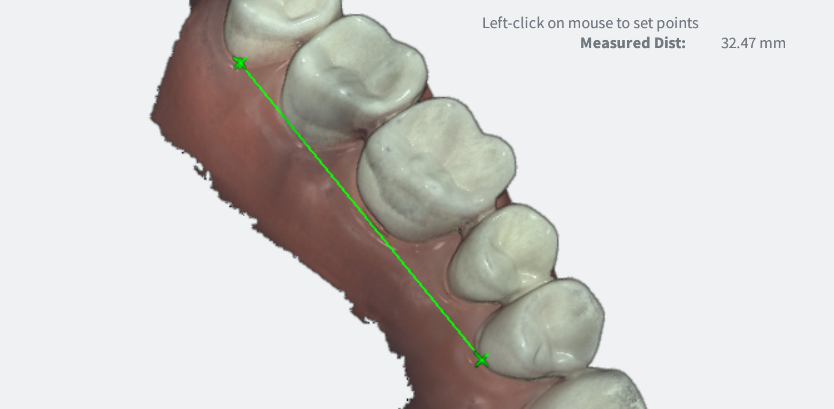
OVO3 | Using the Measurement Tool Using the Measurement Tool Left-Click+Drag to position the 3D digital model. Click on the Measurement icon in the Live Scan Tools menu. Left-Click on a first measurement point. Left-Click on a second measurement point. The measured distance is displayed in the top right-hand corner of the screen.
![3DISC_Logo_RGB_tiny.png]](https://help.3disc.com/hs-fs/hubfs/3DISC_Logo_RGB_tiny.png?height=50&name=3DISC_Logo_RGB_tiny.png)